
Give your members gear around the clock.
For campuses, residential communities and private clubs: 24/7 access to sports equipment for your students, residents or members, with no one staffing a desk.
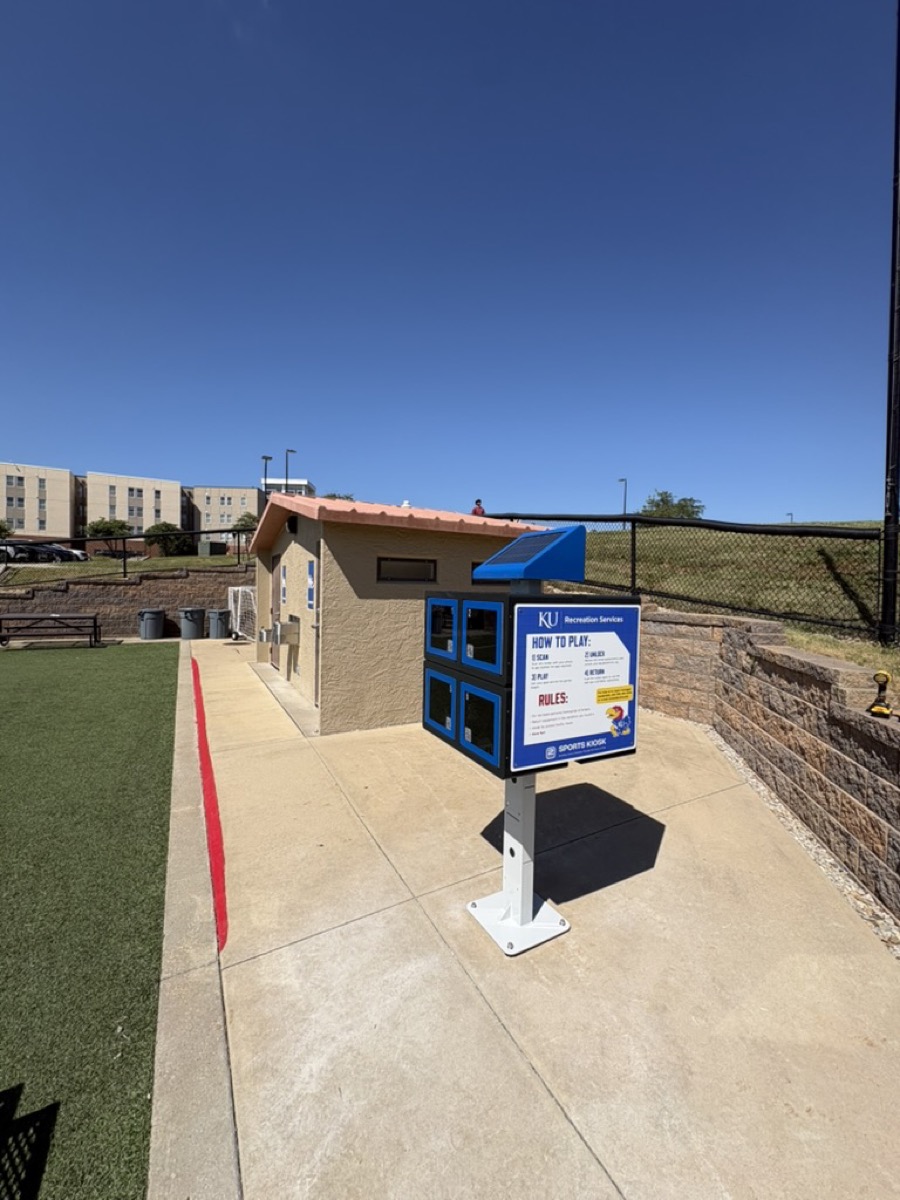
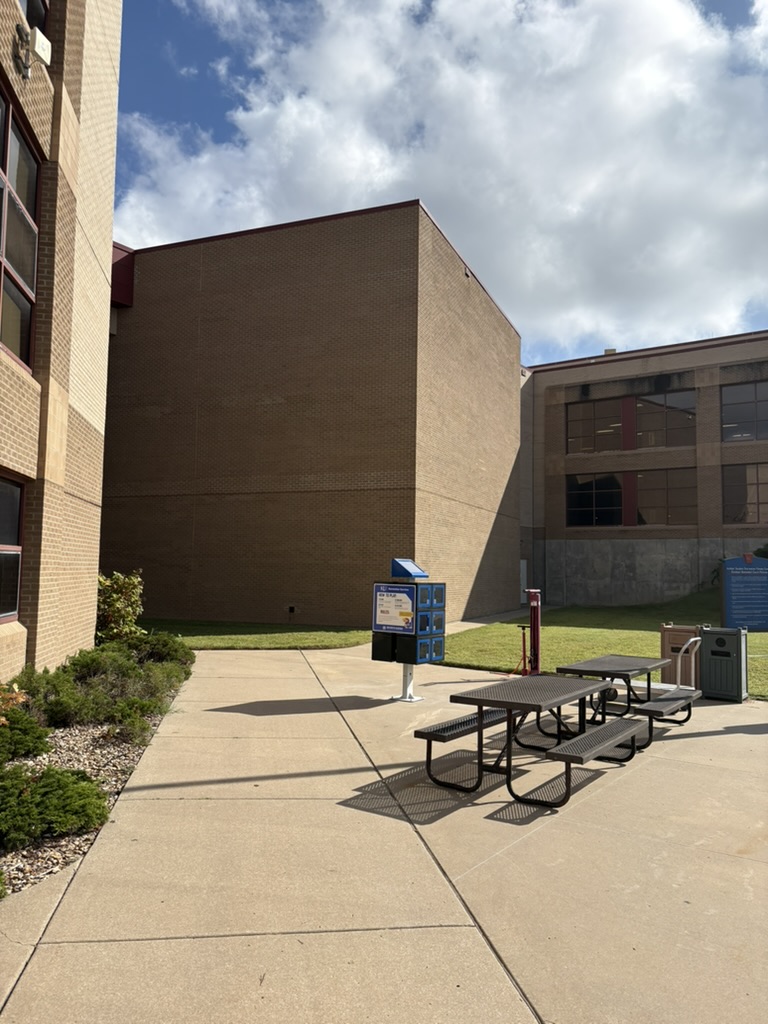
Refined access controls
Step 1
Define who your members are
Set your organization's internal requirements: a verified email domain (like @ku.edu), a shared password, or a member list you upload as a CSV.
Step 2
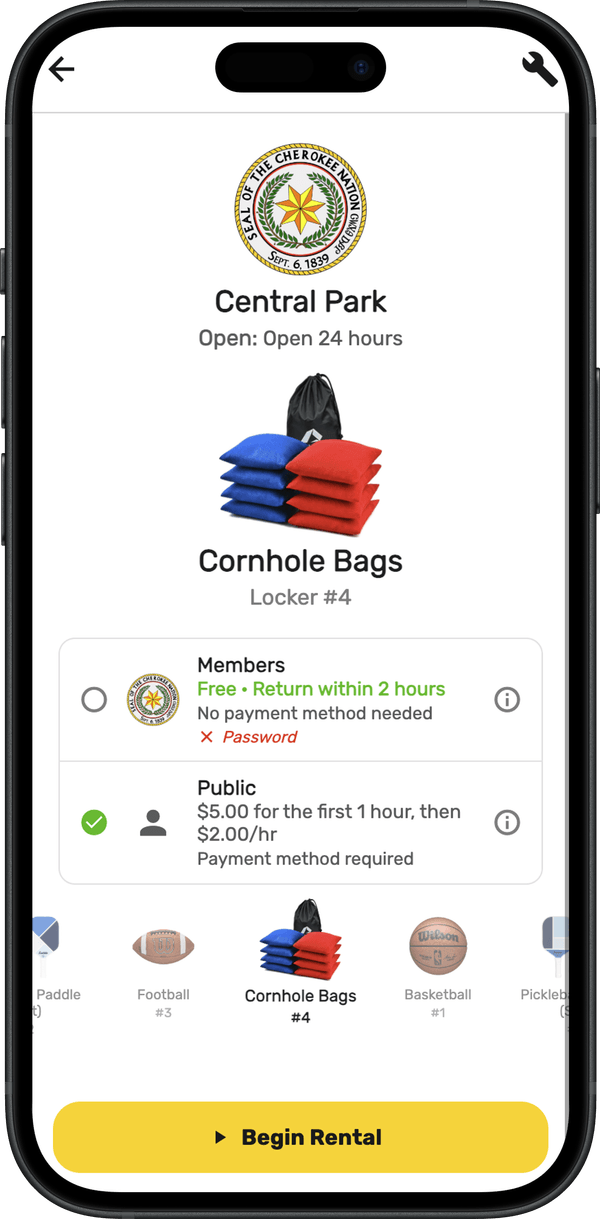
Set pricing for each group
Open the kiosk to the public only, to members only, or split it: for example, members play free for the first hour while the public pays to unlock, then by the hour.
Deployment Process
Site Prep
Select installation site and configure corded or solar variant.
Ship & Install
Owner/contractor anchors per guide; 2play activates remotely.
Configure
Load gear list, signage, and messaging in PlayPortal.
Go-Live
Staff intro + community launch post.
Frequently Asked Questions
Set your own pricing (a free period plus hourly, per item or per kiosk). All rental revenue is remitted back to you, and optional donation prompts add more.
2play reviews every rental and reimburses you for unreturned items at the end of each billing cycle — and you keep the rental revenue.
Minimal — a quick check every 7–14 days. PlayPortal sends tasks, urgent alerts, and scheduled-service reminders so nothing slips.
Yes — optional per-kiosk operating hours (timezone-aware), or leave them open 24/7. Solar units automatically rest overnight when their battery runs low.
Instantly. Disable or lock any kiosk for weather, events, or maintenance, right from PlayPortal.
Yes — create custom items with photos, 'how to play' instructions, and your own pricing.
Choose a security tier (Hold, Method, or Free), and optionally restrict access to approved email domains or a community password.
Yes — unlimited users with role-based access scoped per kiosk, across one or more organizations.
Under 90 minutes on either concrete or soil — and just as quick to relocate.