
2. Getting Started
You'll use two interfaces to run your organization.
2.1 PlayPortal
PlayPortal is your web-based command center for kiosks, members, items, rentals, finances, licenses, and tasks. Open it at 2playsports.com/portal.
2play adds your primary admin, who can then invite your team (see §4). There are no passwords. Log in with your email or mobile number using a one-time passcode, or with a connected Microsoft or Google account.
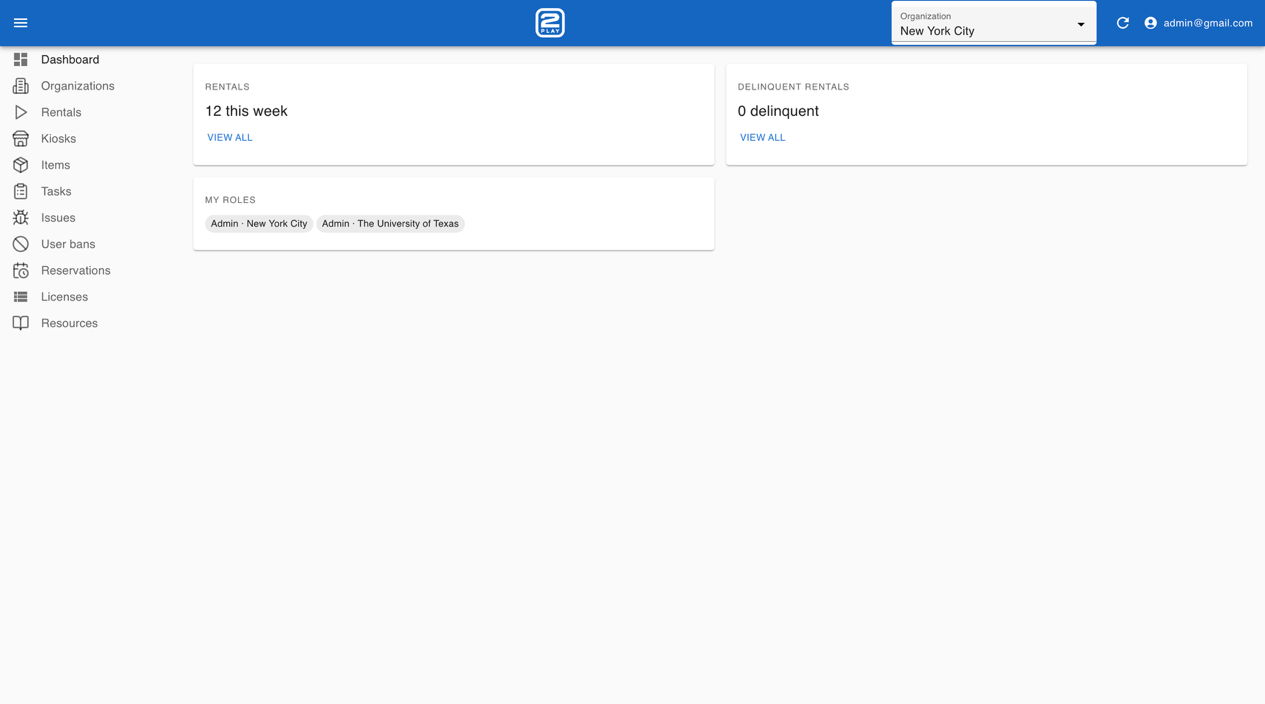
PlayPortal dashboard with callouts to kiosks, members, organization settings, issues, rentals, tasks
2.2 Mobile Admin Panel
The Mobile Admin Panel is for work in the field. It's part of the same mobile web app your users rent through, so there's nothing to install. Admins and members just see extra controls.
Scan the QR code on any locker, or go to 2playsports.app/admin.
Use it at the kiosk to:
- Set up new kiosks
- Configure lockers and create items
- Open lockers, restock, and retire items
- Complete tasks
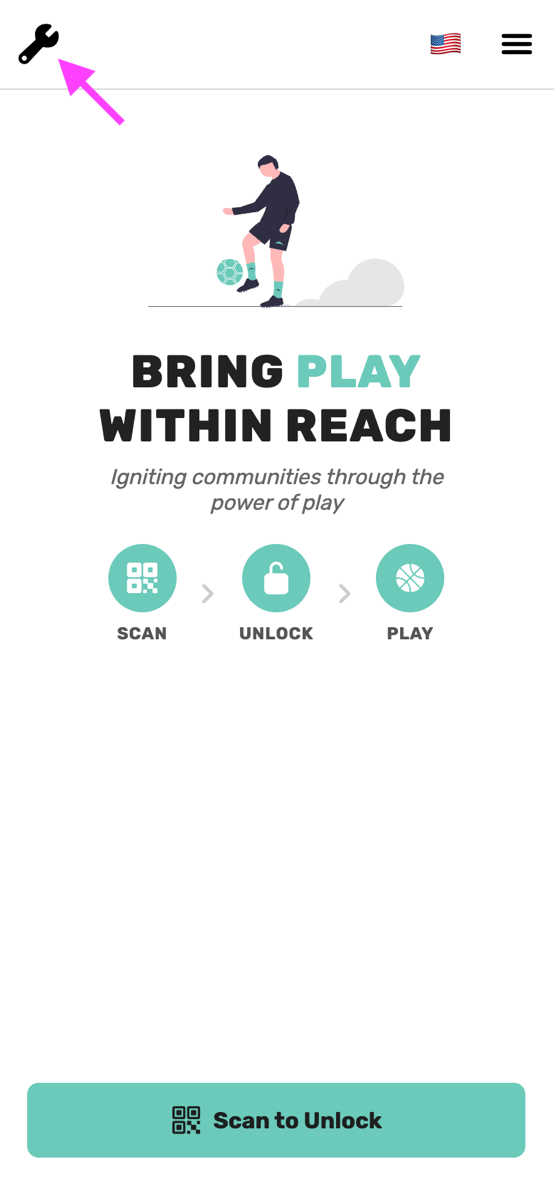
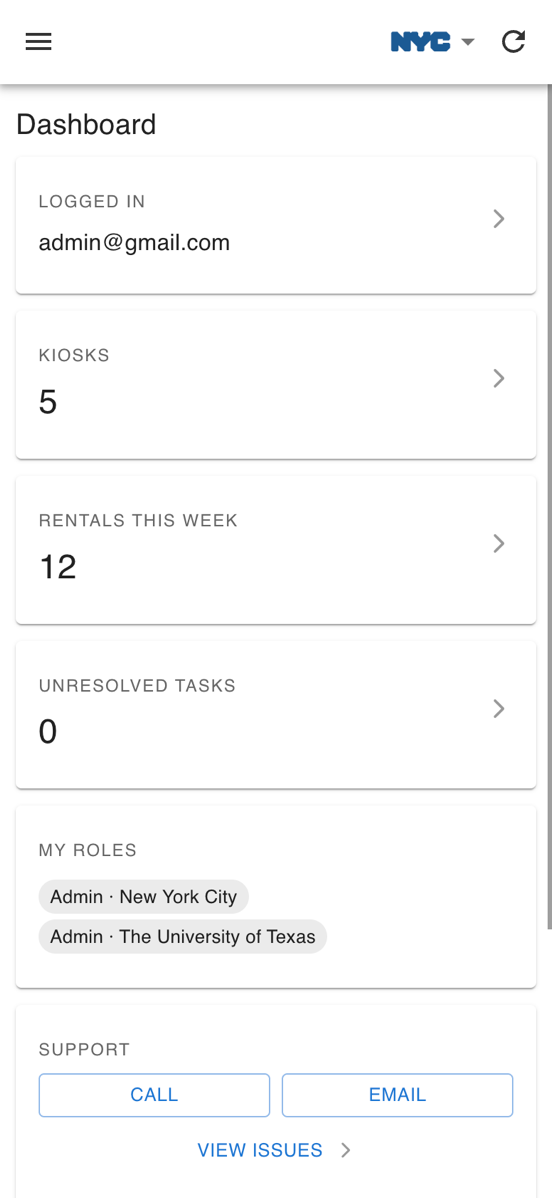
Mobile Admin Panel home view in the mobile web app